


How to Create a URL for an Image on Your Computer


We share images constantly — across social media, email, websites, and internal team workflows. But when an image lives only on your computer, sharing it isn’t as simple as copying a link.
In this guide, we’ll walk you through the complete process of creating a URL for an image on your computer, starting with an explanation of how image hosting works and why choosing the right platform is crucial. You’ll learn how to generate image URLs for different use cases — from professional portfolios and business projects to casual social sharing — along with best practices for security, quality, and accessibility.
By the end, you’ll know exactly how to create, share, and manage image URLs with confidence, no matter where or how your images are being used.
Choosing an image hosting platform
To create a usable image URL, that file first needs to be uploaded and hosted online so others can access it.
When it comes to selecting an image hosting platform, several options are available. For professionals, platforms like 500px and SmugMug offer a range of features, including unlimited storage for large images and analytics tools for image performance. These platforms are ideal for organizing your assets or finding images that best suit your company’s needs.
For social media and leisure use, platforms like Imgur, Flickr, and PostImage offer easy URL creation and sharing options. Another option is Pages Drop, which allows you to quickly ‘drop’ images into the service for instant uploading and URL generation.
Many platforms also allow you to upload any file, not just images, and convert it into a shareable link. Some services specifically generate a public URL, making the file accessible to anyone with the link.
When selecting a platform, consider factors such as:
- Storage requirements
- Desired features
- Security and privacy
- Associated costs
Option 1. How to create an image URL for business projects/professional
When images are used for portfolios, client work, or professional campaigns, the way they’re hosted and shared matters. To generate a reliable and professional image URL, the file must be uploaded from your computer to a web-based platform or server that allows either public or controlled access. This ensures the image can be viewed consistently by colleagues, clients, or external partners.
It’s also important to keep in mind that changes to the image or its hosting environment — such as edits, replacements, or page restructuring — can affect the URL. If that happens, any embedded links or references may need to be updated to avoid broken images.
Below are several trusted services that make it easy to create secure, shareable image URLs for professional use.
Digital asset management for high-resolution images
Digital asset management (DAM) software, like Canto, is the most comprehensive system for creating URLs for professional images. These systems enable users to obtain an image’s URL through an intuitive interface, which is crucial for embedding it in HTML code and ensuring proper image display on web pages.
Due to its business-oriented nature, DAM software provides users with the most secure process available for creating and sharing URLs for various images. DAM platforms include version control using content delivery network (CDN) links, allowing you to update an existing image within your DAM. As a result, any URL where the image was embedded will automatically display the new image.
Another critical detail to consider about DAM software is that it is widely known for its ability to manage large quantities of digital pictures. This makes it ideal for any company requiring comprehensive image storage. DAM software also includes many other valuable features that organizations need, such as content usage reporting, robust search tools, and delivery tools.
There are both free and paid DAM platforms available.
500px
500px is a sophisticated image-sharing site, designed to provide users with a URL for their essential images. Portfolios and pictures for business projects are ideal for 500px, thanks to its professional layout. One unique thing this site offers is an exhaustive analytics tool that details how your images and portfolios are performing.
500px requires a paid account before uploading, so ensure the site meets your needs.
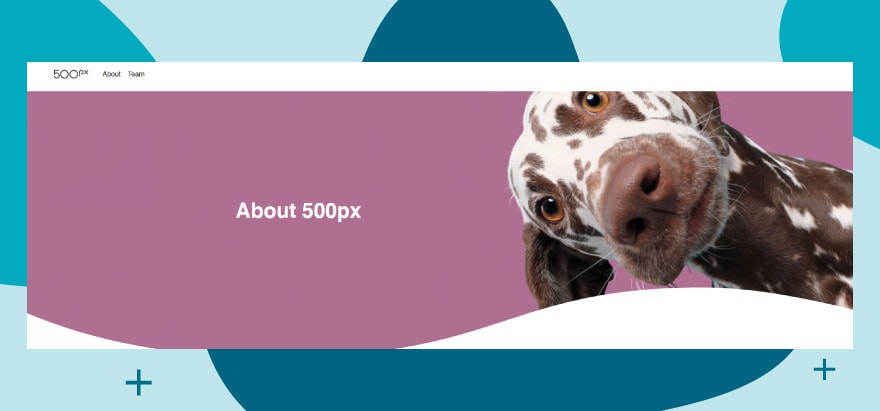
500px is an excellent platform for users with high-resolution images to share their photos.
SmugMug
SmugMug is the best way for photographers to create URLs for their images. This is especially true when they share their images in a portfolio, with clients, or in professional galleries. SmugMug is designed for professional photographers and individuals who require their pictures to maintain the highest pixel quality.
What makes this website so beneficial is that it offers unlimited storage – a necessity when using large images. Finally, it requires a sign-up, but there’s an initial free trial to test it out first.
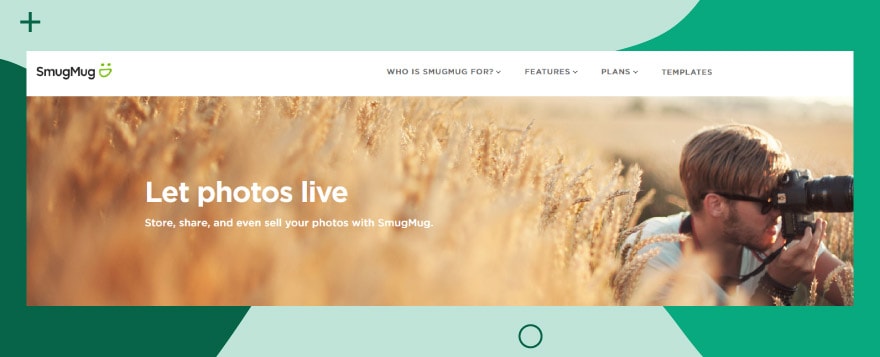
SmugMug is great for aspiring photographers.
Option 2. How to create an image URL for social media/leisure
The most direct method for creating a URL for an image on your computer is to upload it directly to an image hosting site. But what type of site should you choose? It depends on where you want to post the URL. If you need a social sharing site, here are three options for sharing a URL with friends or family.
Once you have the URL, you can paste it into messages, documents, or social media posts to easily share the image. It’s also a good idea to save the generated URL in a safe location if you plan to use it again later.
Imgur
Imgur makes it easy to create a URL for your PC image. Here’s the quickest way to go about it: first, navigate your browser to Imgur and click the green ‘New Post’ button in the upper left corner of your screen. This will load a new page. From here, you can add different photos from your machine onto Imgur and obtain a URL for each one of them. To get the image URL, right-click on the uploaded image and select ‘Copy Image Address’.
Note that Imgur is designed to be a social/sharing site, so it’s geared toward this purpose first and foremost.
Flickr
Flickr forces users to register for an account before uploading images to URLs. This can be beneficial or detrimental, depending on how important security is to you regarding your pictures. To get started, navigate to the Flickr website in your browser and sign up. Once registered, click the cloud icon with the arrow on it to upload a photo. You can use the search bar to find specific image modules or input URLs. Then click the blue ‘choose photos and videos to upload’ button. Locate the image you wish to create a URL for and open it. You’ll have a URL to share as you please.
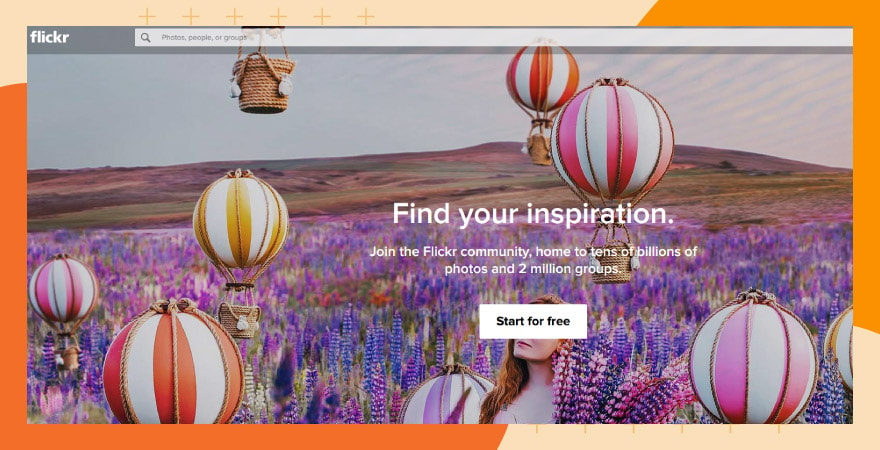
Flickr is a fast, browser-based solution.
PostImage for uploading images
PostImage is the most straightforward image upload site, providing you with a URL for images from your computer without any unnecessary complications. To upload your pictures directly to the website, first navigate to PostImage and click the ‘Choose images’ button. A pop-up window will appear; click the image of your choice and then click the ‘Open’ button. You’ll be given a shareable URL.
Please note that a free account allows you to upload/host a limited number of images, while a paid account provides access to premium features.
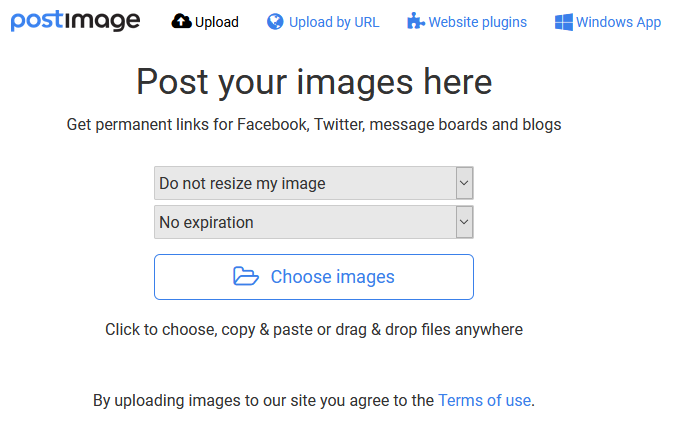
PostImage gives fast access to image uploads.
Uploading and sharing images
Uploading and sharing images is a straightforward process on most image hosting platforms. Navigate to the platform’s website, click the upload button, and select the image you want to share. Once uploaded, the platform will generate a URL for the image, which can be shared with others.
Some platforms, like Google Drive, include ‘view’ in the URL to allow others to access or view the image directly. In some cases, you may need to add specific parameters to the end of the URL, such as ‘&raw=1’ or ‘dl=0’, to ensure the image displays or downloads correctly. Some platforms, such as Imgur, offer additional features, including the ability to add multiple images to a single post.
When sharing images, consider the privacy settings and ensure that the image is set to public or shared with the intended audience.
Creating an image link
Creating an image link is a simple process that can be done using HTML code. To create an image link, you’ll need to use the <a> tag with the href attribute, which specifies the URL of the image. For example, <a href=”image-url”>Image Link</a>. You can also use the <img> tag to display the image, and then wrap it in the <a> tag to create a clickable link. For example, <a href=”image-url”><img src=”image-url” alt=”Image Description”></a>. This will create a clickable image link that directs users to the specified URL.
Transform how you share and manage visual content
Creating a URL for an image on your computer is a simple first step in sharing visuals across your projects, but as your library expands, managing files across multiple hosting tools can quickly become inefficient. That’s where digital asset management (DAM) fills the gap. A DAM platform centralizes your images, streamlines how you organize and retrieve them, and gives you instant access to secure, shareable URLs — no more chasing down files, outdated links, or duplicate uploads.
For creative, marketing, and content-driven teams, DAM turns image management into a scalable, strategic workflow. Intelligent search, governed sharing, and built-in brand safeguards ensure your visuals stay consistent, accessible, and ready to use across every channel.
With the right platform — like Canto DAM — you don’t just share images more easily. You build a foundation for smarter, faster, more consistent content workflows that grow with your team.
Frequently asked questions
How do privacy settings vary across image hosting platforms?
Privacy settings on image hosting platforms like Imgur, Flickr, and 500px vary significantly. Most offer options to keep images private, share them with specific people, or make them public. Users are advised to review each platform’s privacy settings to ensure they meet their requirements.
What are the cost implications of using image hosting services?
The cost of using image hosting services ranges from free basic accounts to paid subscriptions for advanced features. For example, Imgur and Flickr offer free accounts with the option of premium upgrades, while platforms like SmugMug might require a subscription after a trial period. Costs depend on the storage needs, desired features, and the level of professionalism in the service.
How do image hosting platforms integrate image URLs with other services or social media?
Many image hosting platforms offer integration features, allowing users to easily share URLs on social media or embed them in websites and blogs. The specifics of integration vary by platform, but most provide straightforward methods to connect with popular social media sites and content management systems.
Want more like this?
Want more like this?
Insight delivered to your inbox
Keep up to date with our free email. Hand picked whitepapers and posts from our blog, as well as exclusive videos and webinar invitations keep our Users one step ahead.
By clicking 'SIGN UP', you agree to our Terms of Use and Privacy Policy


By clicking 'SIGN UP', you agree to our Terms of Use and Privacy Policy
Other content you may be interested in





Want more like this?
Want more like this?
Insight delivered to your inbox
Keep up to date with our free email. Hand picked whitepapers and posts from our blog, as well as exclusive videos and webinar invitations keep our Users one step ahead.
By clicking 'SIGN UP', you agree to our Terms of Use and Privacy Policy
Brought to you by
